


Training and further education
We empower your employees to use cloud and AI technologies effectively and ethically.
✔ Practical live sessions and videos
✔ Role-based use cases
✔ Tailor-made learning units
Our learning content and topics
-
Effective communication:
Outlook vs. Teams, email management, categories, filters, search folders, tasks with OneNote & Planner.
Document management:
OneDrive, SharePoint, Teams – differences, versioning, sharing, permissions, metadata views.
New tools and features:
Loop, whiteboard, planner updates, improvements in the new Outlook.
-
Generative AI in everyday life:
Automation of routine tasks, dynamic content creation, intelligent process support.
Prompt Engineering & Best Practices:
Cheat sheet for effective prompting, bias avoidance, data protection, and governance.
Hands-on AI tools:
ChatGPT, Copilot, Gemini – differences, use cases, integration into M365.
-
Leadership in digital transformation:
Agile working, hybrid teams, AI skills, mindfulness.
Change Management & Communication:
Strategies for successful transformation.
Governance & Compliance:
Safe use of AI, legal aspects, data protection.
-
Regular skill-up sessions:
Every 4 months, focus on new cloud and AI functionalities, Q&A, and practical examples.
Practical use cases:
Copilot in Teams, Planner vs. OneNote, synergies for time savings.
Ethics & Safety:
Transparency, human oversight, and data protection in AI use.


Here is an example of lifelong learning
Cloud and AI booster
In a time of rapid technological developments, continuous further training is not a luxury, but a necessity.
We help your teams stay up to date with regular learning opportunities covering Microsoft and Google cloud technologies as well as artificial intelligence.
And all this at clearly calculable fixed costs.
Format
2-hour team or company coaching every 4 months – either on-site or virtual. Followed by 1/2 hour of individual support for personal questions and specific application scenarios.
Procedure
Looking back on the last session: what was learned, what was implemented?
Update with live demo on the latest developments in Microsoft and Google Cloud as well as AI tools
Optional Q&A session: open questions, individual challenges, best practices
Possible topics
Copilot in the M365 app in everyday use, working efficiently with Outlook and Teams, document storage with OneDrive and SharePoint, Planner, Loop, and OneNote in comparison, automation with Power Automate and AI Builder, Copilot Studio in practice, prompting strategies for Teams, responsible use of AI, AI adoption in the company, automating expense and form processes, HR onboarding and knowledge transfer, Service Desk Copilot, M365 search and knowledge management, ...
Only CHF 190/month
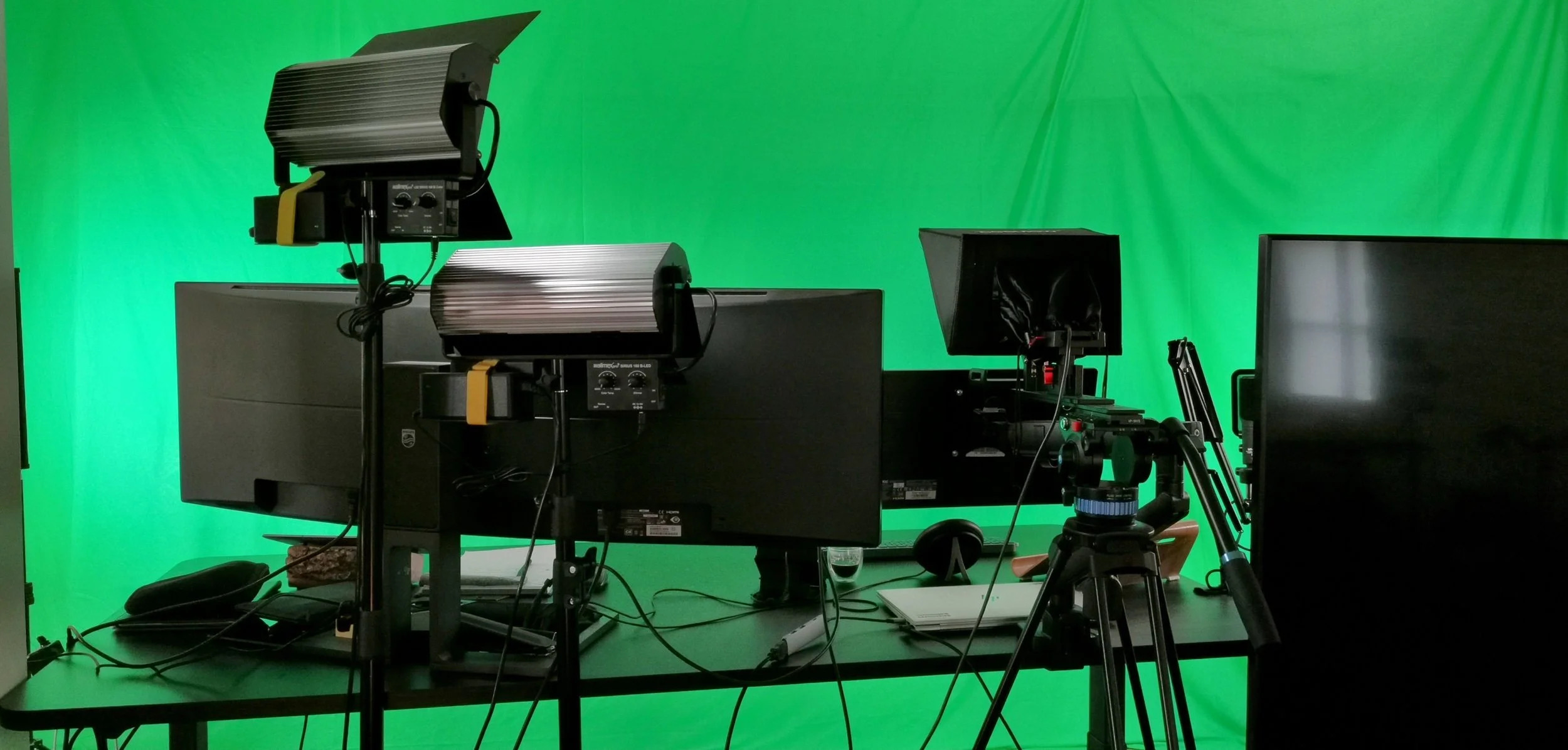
Virtual events and videos that inspire
Practical sessions on cloud and AI technologies (Microsoft, Google, generative AI)
Interactive formats with Q&A sessions and use case demonstrations
Examples: AI briefings for managers, workshops on prompt engineering and automation
Green screen streaming and video production
High-quality studio productions with professional sound, light and image.
Use of teleprompter for clear and appealing videos.
Option for virtual backgrounds and B-roll material for a modern look.
Professional production of educational videos and virtual, interactive "green screen" events
Key Benefits
Increased attention
Professional production creates trust and increases the willingness to learn.Scalability
Content can be used multiple times, which saves resources.Efficiency
Shorter production times and optimized workflows.
Watch our sample video (in English only) on the topic of "Gemini in Google Workspace".
Better prompting with our free cheat sheet!
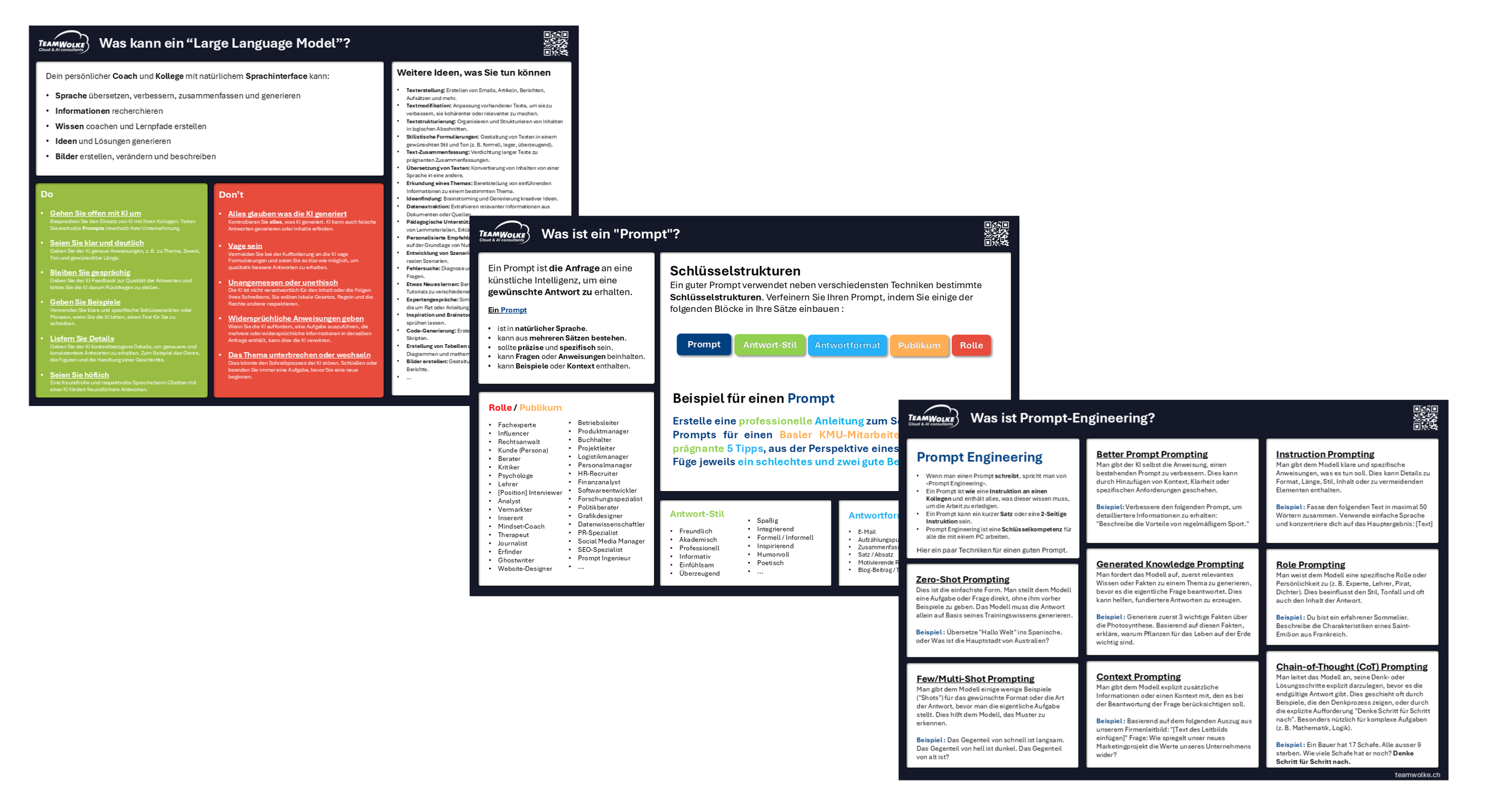
Our Prompting Cheat Sheet in German offers a comprehensive guide for the effective use of AI-powered large language models such as ChatGPT, Copilot, or Gemini.